
AI tools for beginners: a 4-week starter plan.
A 4-week starter plan for anyone new to AI tools in 2026. Covers writing, image, code, and productivity. No jargon, no setup hassle, every tool has a free tier -- and you can be useful by week 2.

Where to start (and what to skip)
Skip the 200-tool comparisons. Week 1 is one chat assistant. Week 2 is one image tool. Week 3 is one meeting or email tool. Week 4 is one coding tool if you want to learn.
Every tool on this plan has a permanent free tier. Total cost: $0 for the first month, around $20/mo by month 2 if you want the upgrades.
The 4 starter tools (one per week)
ChatGPT (Free)
Week 1. The universal assistant. Drafts, summaries, questions, brainstorms.
Microsoft Designer / Bing Image Creator
Week 2. Free DALL-E 3 access for image generation.
Granola (Free tier)
Week 3. Meeting notes that write themselves. Mac.
Reclaim.ai (Free)
Week 3. AI calendar that schedules tasks, habits, meetings.
Codeium (Free)
Week 4. AI code completions inside VS Code, unlimited free.
Notion AI (Trial)
Optional. AI inside your notes, about 20 free actions on signup.
Perplexity (Free)
Optional. Research with citations, replaces Google search for most.
ElevenLabs (Free tier)
Optional. AI voice for narration, about 10 minutes per month free.
Fathom (Free)
Optional. Free meeting recorder for non-Mac.
Claude (Free)
Optional. Stronger long-form work than ChatGPT.
How the 4-week plan lines up
| Week | Tool | Free tier | Goal |
|---|---|---|---|
| Week 1 | ChatGPT | Permanent | Get comfortable prompting |
| Week 2 | MS Designer / Bing | Permanent | Generate images for anything |
| Week 3 | Granola + Reclaim | Permanent | Save 2-3 hours per week |
| Week 4 | Codeium | Permanent | Try coding with AI |
| Optional | Perplexity | Permanent | Better research |
| Optional | Claude | Permanent | Long-form work |
| Optional | Notion AI | 20 actions | AI in your notes |
| Optional | ElevenLabs | 10 min/mo | AI voice narration |
| Optional | Fathom | Permanent | Free meeting notes |
| Total | $0/mo | -- | Useful by week 2, fluent by week 4 |
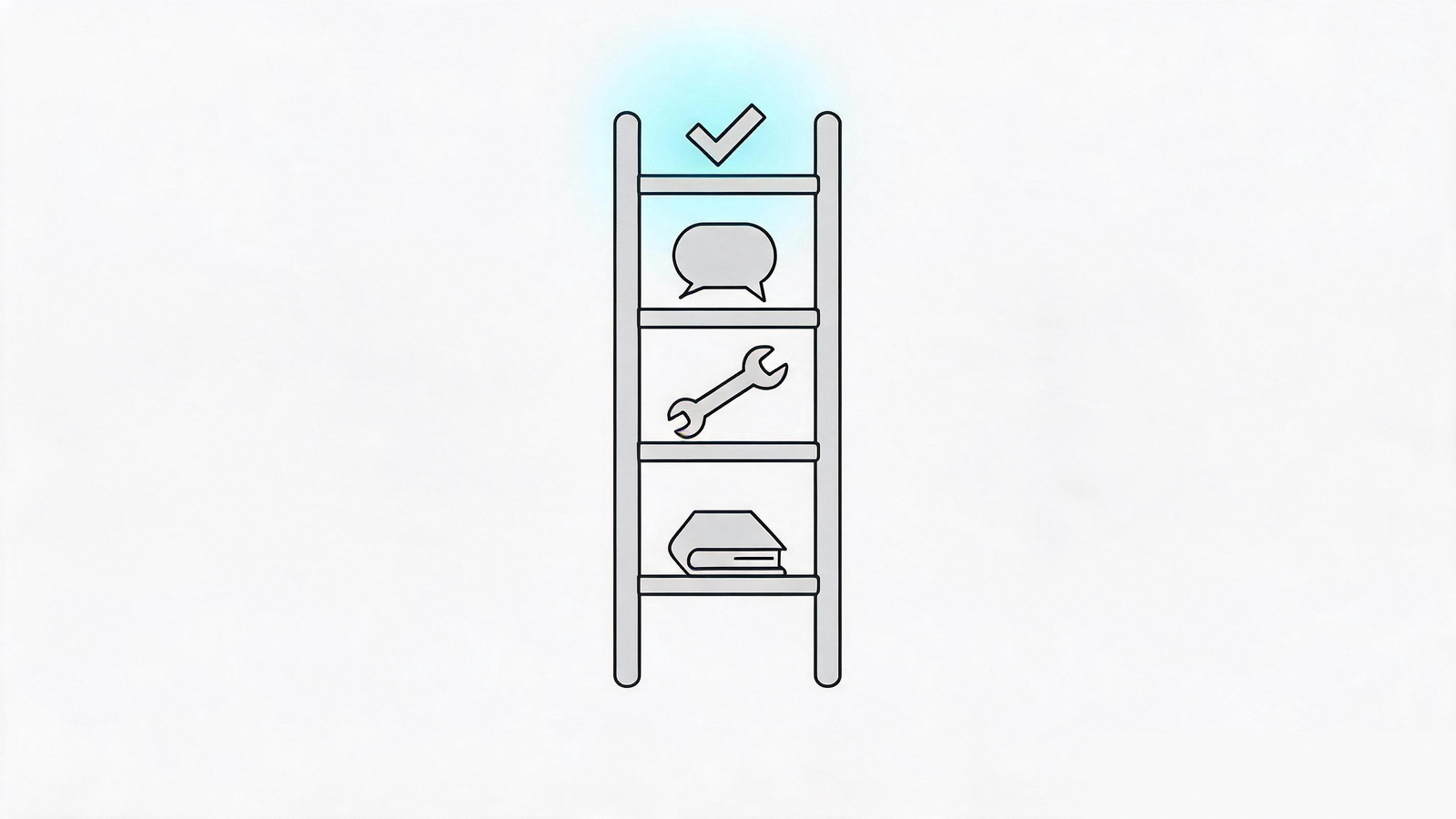
The 4-week starter plan
Get comfortable
Ask it to draft, summarize, explain. 30 min per day, you will be useful by Friday.
Visual work
Microsoft Designer plus Bing. Generate images for social, decks, blog posts.
Time saved
Granola plus Reclaim.ai. Save 2-3 hours per week automatically.
Optional but recommended
Codeium in VS Code. Build a small script or a webpage.

Frequently asked questions
Which AI tool should I start with?
ChatGPT. One tool, broad use cases, free forever. Get comfortable with one before adding more.
Can I really do this for $0?
Yes. Every tool on this plan has a permanent free tier. Total cost: $0 for month 1.
Do I need to learn prompt engineering?
No. "Write a friendly email to my client about a delay" works fine. Save prompt-engineering for week 3+.
What if I only have 30 minutes a week?
Skip the optional tools. Just do ChatGPT plus MS Designer. That alone replaces 80% of "I should try AI" anxiety.
Will AI replace my job?
No in 2026. AI augments knowledge work -- it does not replace the judgment, taste, or relationships that drive most jobs.
See the complete AI tools index
Browse 2,360 curated tools, filtered by use case and skill level.
Browse all categories ->